Field segments
Draw a roof outline, pick a module, and fill it.
Reviewed
What this is for
The outline that gets an array. One polygon, one module, one racking, one plane. A project can hold several, on several roofs or on several parts of one. Nameplate is 0 kWp until modules exist.
Steps
- Open Array. Draw field segment, then click each corner on the imagery and close the shape - back on the first corner, or by double-clicking. Escape cancels. While drawing, an edge locks square to the one before it when the cursor comes near a right angle; the rubber band goes solid to say so. Hold Shift to keep it square whatever the cursor does. From the second corner a dotted line runs from the cursor back to the start: that is the edge closing the shape would make. It pulls onto
45°steps against the first edge, and where it and the pending edge both hold, the corner lands where both are square - which is how a traced rectangle closes with equal opposite sides instead of four different ones.
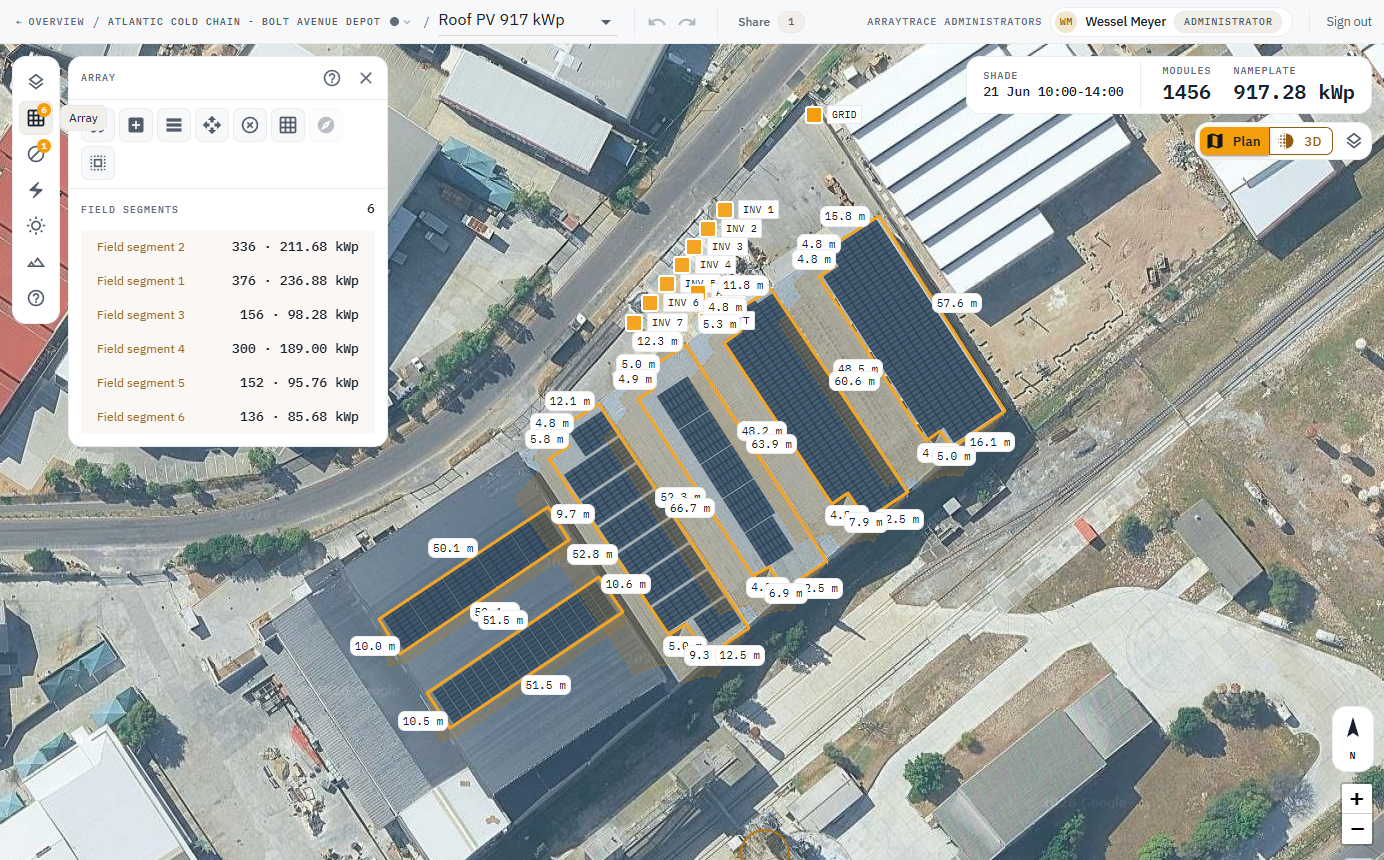
- Open the segment. Pick a module (type a make or model), racking, orientation, the two tilts, spacing, setback and frame size. Update field segment writes. Nothing typed is saved until then, including arrow-key steps in a numeric field. Anything that saves by itself - Face, a per-edge setback, any edit on the map - re-reads the segment, so a value typed and not yet applied is dropped. Apply first.
- To reshape a selected segment on the map: drag a corner, or right-click it to remove it. An edge's middle handle adds a corner when clicked and moves the whole edge sideways when dragged, the edges either side trimming to meet it so every angle holds. Clicking an edge's dimension opens the exact-length box: the far end slides along the edge and the corner past it follows, so a rectangle stays a rectangle.
- The dashed outline is the ground actually left to fill after the setback, every obstruction's own setback and any shade removal. Modules stop inside it. The gap beyond the last one is roof too narrow for another row.
- Bulk select segments is for the same edit on several at once. Ctrl+C / V copies a segment. With one wiring zone, modules are strung in the order the segments are listed.
- A locked design refuses every write, including this one. Duplicate first if you still need to edit.
Tips and common mistakes
- Rotate the segment and its azimuths follow, except a single-axis tracker, whose tube runs north-south wherever the ground is.
- Trust the stored module count, not the look of a dense fill.
- Flush-mount module tilt is zero. The roof's pitch is surface tilt. That is the next article.